The response rate: if you've ever worked with online surveys, you've definitely heard of it. But what is it? How do you measure it? What's a good response rate? Let's find out together.
The response rate
The response rate is the percentage of people who answer a survey relative to the total number of people invited to take part. It measures how engaging the survey is and how effective it is.
With a high response rate, in-app surveys are a powerful tool for reducing the drop-off rate of your funnels, identifying who your real competitors are, or even building your roadmap.
But all of this only works if your users agree to answer your questions. That may sound obvious, but the impact on the quality of your data is huge. You might think 60 or 80 responses is fine; but if you have 8,000 users, it isn't enough.

Our data shows that, on average, in-app surveys have a 12% response rate. In other words, 88% of the users who saw your survey chose not to answer it. Every conclusion and decision you draw from it will rest on a fraction of your users, with a high risk of getting it wrong. Our study of more than 100 brands also shows that surveys sent by email reach an average response rate of 8%, versus 12% for in-app surveys: that isn't enough to guarantee the answers reflect the majority opinion of your users, or to base your decisions on.

So how do you get an optimal response rate for your in-app surveys? To make them a powerful lever in your strategy, the goal is to go from 12% to 60%, even 70%. But first, let's look at how to measure it.
How to measure the response rate
The response rate of an in-app survey is the percentage of people who answer at least one question in your survey, out of the total number of people who saw it.
For example, if 100 people saw your in-app survey while using your product and 65 of them answered at least one question, your response rate is 65%.
You can also track the completion rate: the percentage of people who answered each question, out of the number of people who answered at least one question.
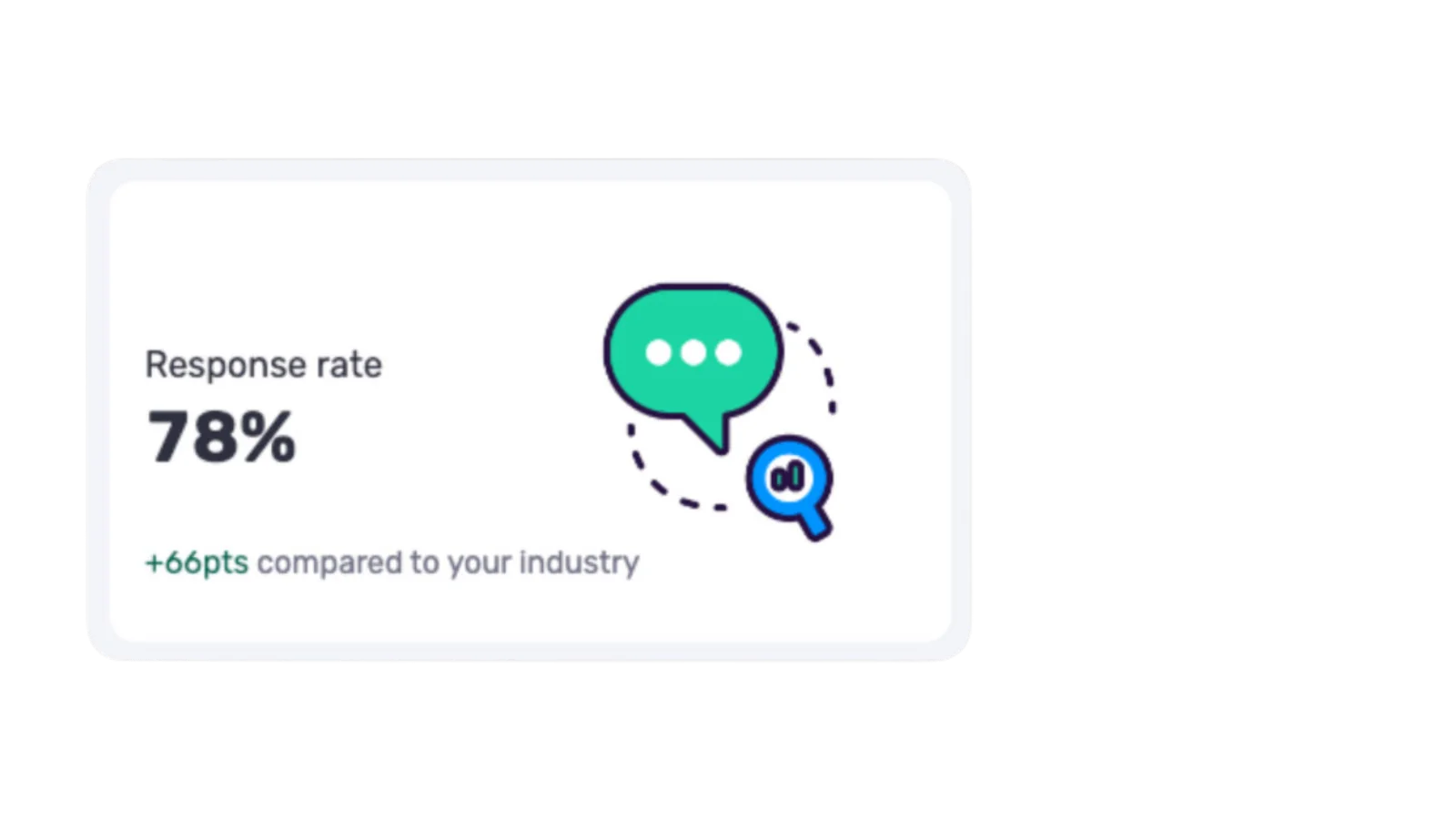
What's the difference between response rate and completion rate?
The completion rate
For an online survey, the completion rate is calculated by dividing the number of surveys fully completed and submitted by the number of surveys started by participants. It only counts participants who started your survey: only those who go all the way through and submit it move this rate.
The response rate
Even though it looks like the completion rate at first glance, the response rate tells you how reliable the data you collected is. It's the ratio between the number of people who answered your survey and the total number of people in your sample.
What is a good response rate?
On average, our data shows that in-app surveys have a 12% response rate. For email surveys, it's worse: only 8% of the people who receive a survey answer at least one question.

In both cases, that isn't enough to draw reliable conclusions or to make sure the answers are representative. So what is an excellent response rate?
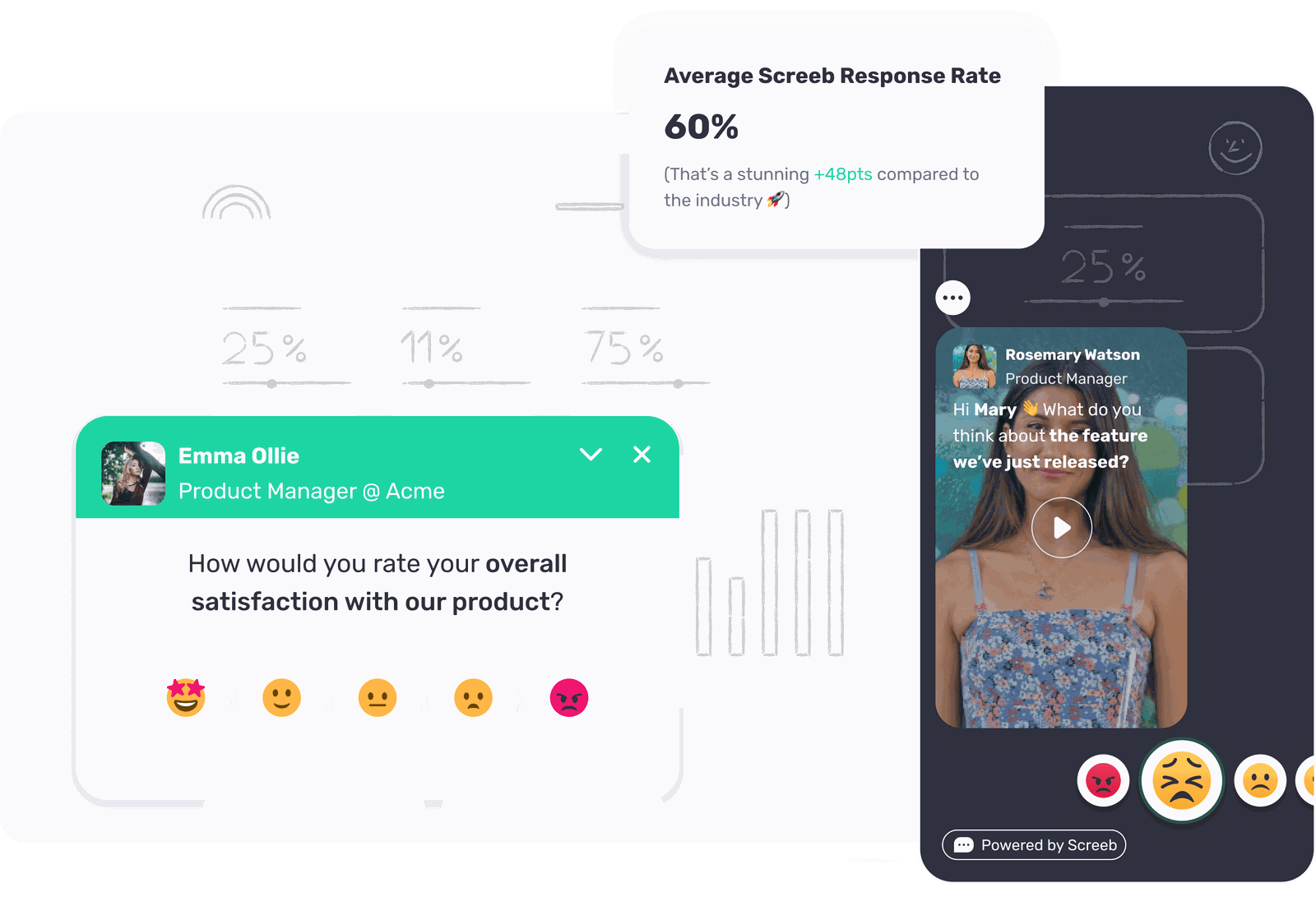
The average response rate of companies using Screeb is around 55%. Many of our customers even exceed 65 to 70%, and our champions reach 87%.
That isn't luck: they apply the key principles of an engaging, high-performing in-app survey, detailed below.
1. Start simple, then iterate
Don't overthink your survey. Start small and simple. Don't try to ask every question or get every answer at once. Start from the simplest questions, in your users' context, then build from there.
Spot a trend in the answers? Dig into it with more precise questions. See a common frustration about a feature? Improve it and ask whether it's better. Have a huge drop-off in one of your funnels? Ask your users what didn't work.
Collecting feedback isn't a one-off exercise but an ongoing process. Start with a broad survey to get an overview of how your users see things, then refine by segmenting your audiences more precisely and asking more detailed questions with each iteration. Each iteration keeps you relevant and gets you richer and richer answers: that continuous improvement is what keeps you in sync with your users.
2. Four questions maximum
Don't ask too many questions: nobody wants to answer a long survey. When a survey goes past 10 questions, we most often close it without answering. If you don't like long surveys, don't send them to your users.
Favor micro-surveys, shorter and shown more often in your app, over rare, long, boring surveys.
Our recommendation: stick to a maximum of 4 questions. That rule doesn't rule out creativity or logic jumps to ask relevant questions of the people who answer, but a given person shouldn't see more than 4 steps in your survey. That's how you keep your users interested and get them to answer more of your next surveys.
3. Use different question formats
Think about how you'd ask your friends questions. You wouldn't read them a list of monotonous questions: you'd add emotion, adapt your questions to the person in front of you, and try to understand an answer better before moving on to the next.
Do the same in your in-app surveys. Use ratings, open-ended text, buttons or text to guide the user. Add links to share other content. Involve the user in every question so your response and completion rates are as high as possible.
4. Start directly with a question
Some surveys start with a welcome text or question: "Welcome to this survey, we'll only need 2 minutes of your time," or "Would you agree to answer a few questions?" Because these introductions are often associated with long surveys, they make users think twice before answering.

And since most of their past experiences with surveys were bad, they don't answer.
Start directly with your first question. With Screeb formats, your users answer naturally and you collect far more responses. In our A/B tests, for the same survey shown to the same audience, the version that started with a welcome message got a 25% response rate, versus 78% without it.
5. Start with a rating
More precisely, we recommend starting with an evaluation: ask for a score, an NPS, a CES, ask people to rate the quality of something. It's the simplest thing for your users, and the guarantee of getting more responses.
Once they're engaged in the survey, you can ask more qualitative questions, such as open-ended text questions.
6. Segment your users
If your users were in front of you, you'd adapt your questions, your tone and the timing of the conversation to who they are. That's obvious in a real conversation, but we often forget to apply this logic to in-app surveys. Asking everyone the same questions, regardless of behavior or profile, sharply reduces responses.
Segmentation lets you ask the right question, to the right person, at the right time. Three possible criteria:
- behavior in the app: which page is the user on, and how long do they stay there? That way you ask questions tied to a specific context of use;
- user properties: use the data you already have (profile, account type, plan...) to target specific personas or exclude certain populations;
- user events: show a survey after a user has clicked a given button or used a feature several times.
If you already track these events with Segment, you can connect Screeb in a few minutes and start collecting insights.
7. Use styling and variables
You have a lot of data about your users: use it to personalize the survey experience and make them feel your questions aren't generic. A first name in an email, tailored recommendations on an e-commerce site: everywhere, results are tied to personalization, and it's the same for in-app surveys.
First name, last name, current plan, company name... everything you know about your users can be added to your questions so they feel involved. Between a generic, impersonal survey and a personalized one that mentions the user's first name or account type, the personalized version gets far more responses. The impact on the response rate is huge.
8. Show who is asking the question
One of the main reasons users don't answer surveys is that they think their answer won't be taken into account. Getting an email from a no-reply address, or answering a survey without ever getting a response back, makes it feel pointless.
To increase your response rate, explain who on your team needs these answers. By showing the name, photo and role of the person asking the question, you create empathy: your users will want to help that person by answering.
Conclusion
By applying these principles, you'll see a real increase in your response rate, and so a real improvement in the quality of your data. You'll be more confident in your conclusions and make your decisions with less risk of getting it wrong.
Ready to put them into practice? Book a Screeb demo and turn your users' insights into faster product decisions.